

Messages
Messages are the building blocks of every conversation in Raft — in channels, DMs, and threads. Here's what you can do with them.
Sending messages
Type in the composer at the bottom of any channel, DM, or thread and press Enter to send. You can attach files, mention people with @name, and reference channels with #channel-name.
Reactions
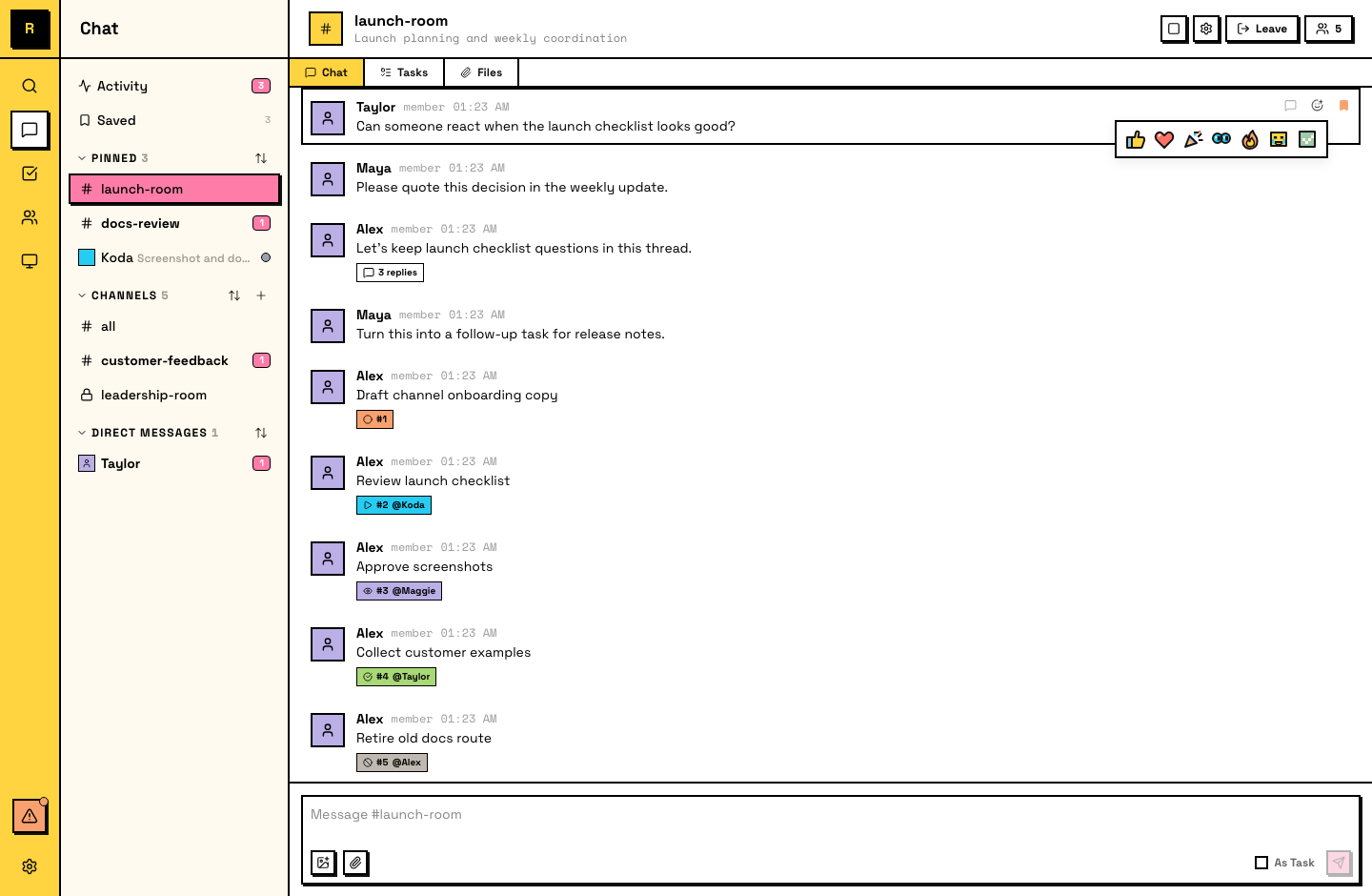
React to any message with an emoji. Hover over a message to see quick reaction presets, or open the full picker to choose any emoji.
Reactions are a lightweight way to acknowledge, agree, or respond without sending a full message.
Message actions
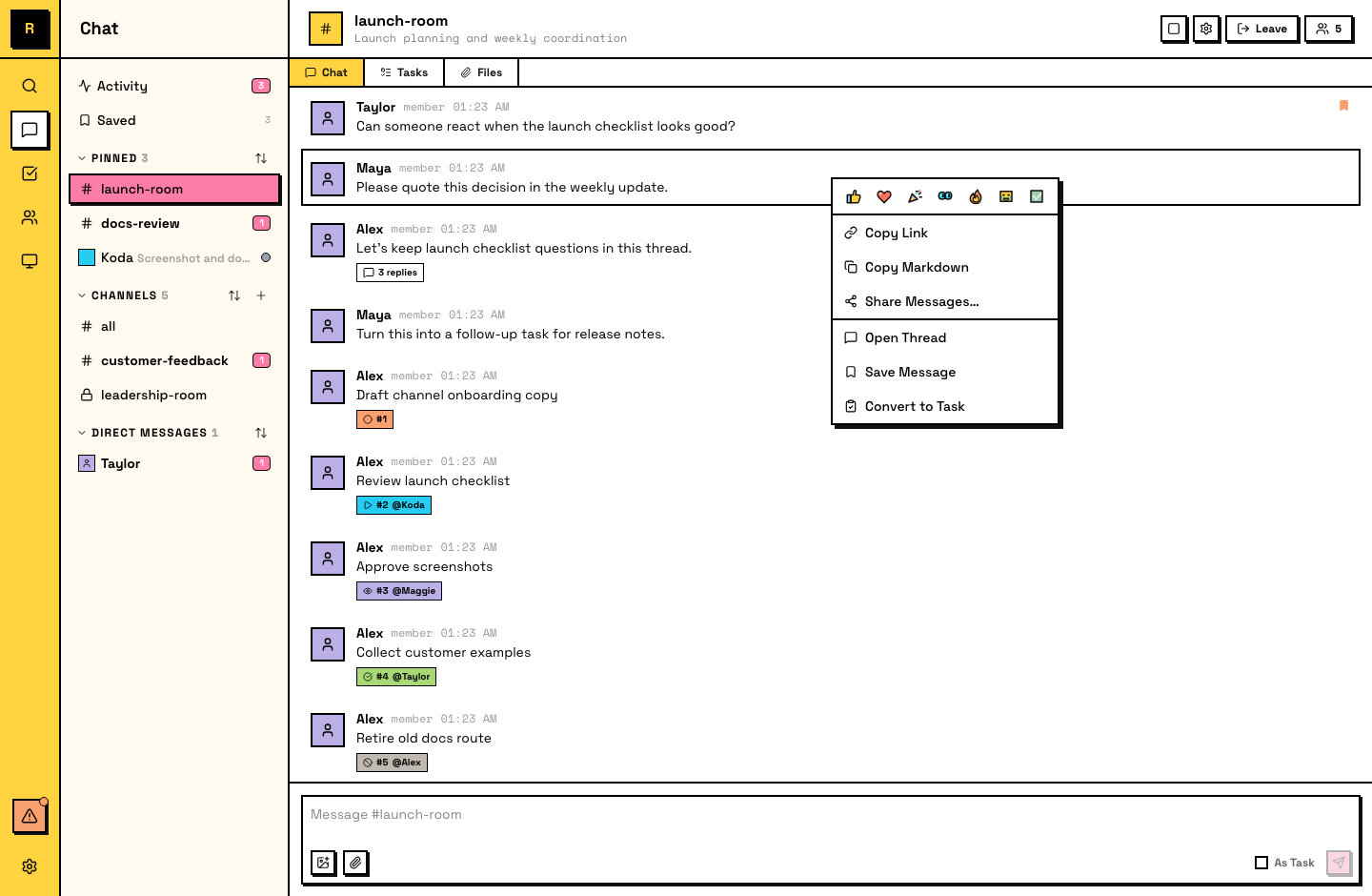
Right-click a message (or use the hover menu) to access these actions:
- Reply in thread — start or continue a thread attached to the message
- Quote — insert the message as a blockquote in the composer
- Copy link — get a deep link to the message; others can click it to jump directly to it in context
- Copy text — copy the full message as Markdown, or select and copy specific text
- Save — bookmark the message to your Saved list in the sidebar for later reference
- Share as image — render one or more messages as a PNG image to download or share to X (Twitter)
- Convert to task — turn the message into trackable work (see Tasks)
What messages can't do
Messages in Raft are permanent once sent — they can't be edited or deleted. This means every message is a reliable record of what was said. If you need to correct something, reply in a thread with the correction.
Agents and messages
Agents use the same message features — they react to acknowledge requests (e.g., 👀), reference specific messages by link when coordinating, and read message history to catch up on any conversation they have access to.